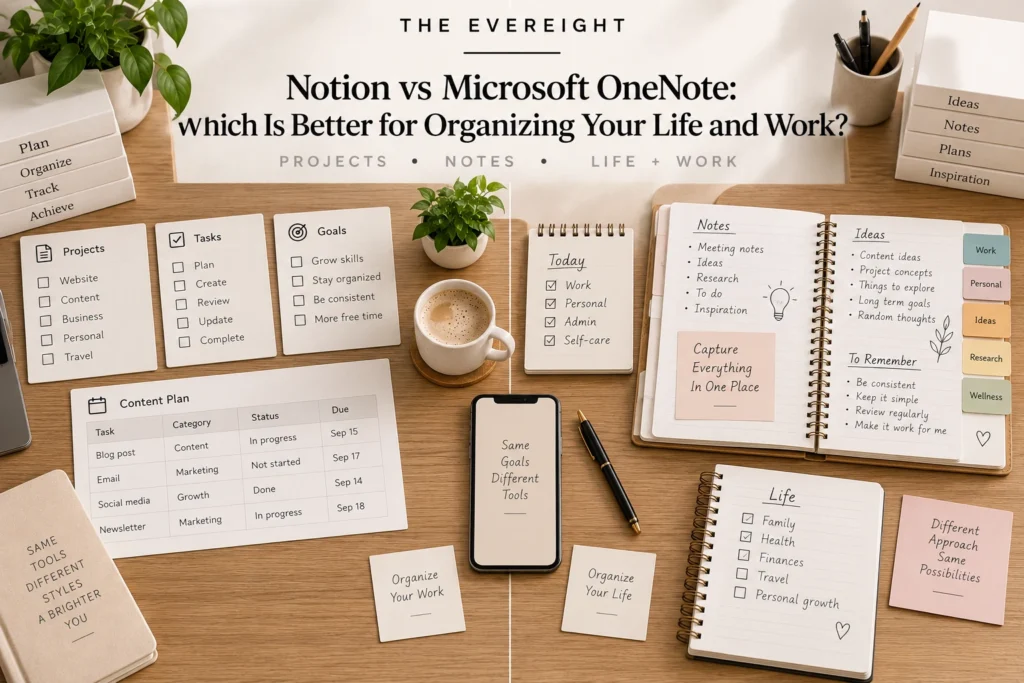
Notion and Microsoft OneNote can both hold notes, research, plans and reference material, but they encourage different ways of organizing information.
OneNote behaves like a flexible digital notebook.
Notion behaves more like a customizable workspace where notes can sit beside databases, projects, tasks and structured knowledge.
Neither approach is universally better.
Editorial Note: This comparison is based on current official Microsoft and Notion documentation. It does not claim hands-on testing. AI features, plan requirements, platform support and integrations can change.
Quick Verdict
Choose OneNote when you want a notebook-first experience, free-form note capture, handwriting/drawing workflows and natural integration with Microsoft’s ecosystem.
Choose Notion when you want notes to connect with databases, projects, tasks, structured pages and customizable workflows.
Use both only if each has a clear role.
Core Philosophy
OneNote
OneNote organizes information around notebooks, sections and pages.
That structure resembles physical binders.
It is useful when you think: “Which notebook would I put this in?”
Notion
Notion uses pages and databases.
It is useful when you think: “How does this information relate to projects, tasks or other structured records?”
The difference is subtle but important.
Basic Note Taking
Both can store typed notes.
For straightforward meeting notes, class notes or reference, either can work.
OneNote tends to feel more like open note capture.
Notion tends to encourage structured pages.
Choose the one that makes capture effortless.
Free-Form Canvas
OneNote’s notebook pages support flexible placement and drawing-oriented workflows.
That can be useful for:
- Handwritten notes.
- Sketches.
- Mixed typed/ink content.
- Visual brainstorming.
Notion’s page structure is more block-oriented.
If free-form spatial note-taking is central, OneNote deserves serious consideration.
Handwriting and Drawing
Microsoft documents handwriting, drawing and ink-related capabilities in OneNote.
This is especially relevant for tablet and pen users.
Notion is not primarily a handwriting-first notebook.
If digital ink is one of your top three requirements, test OneNote first.
Structured Databases
This is where Notion separates itself.
Notion databases can track:
- Tasks.
- Projects.
- Content.
- Research items.
- Contacts.
- Status.
- Dates.
- Relationships.
OneNote is not designed as a general relational database workspace.
If structured records are central, Notion is usually the more natural fit.
Projects and Tasks
Notion can combine project pages with task databases and related information.
OneNote can hold project notes and checklists, but it is fundamentally a notebook.
For lightweight planning, either may work.
For structured project tracking, Notion offers more native workspace structure.
Search
Both provide search.
The real question is whether your organization style makes search reliable.
Good filenames, page titles, headings and consistent terms improve retrieval in any tool.
Do not use search as an excuse to store everything without structure.
Microsoft Ecosystem
OneNote fits naturally with Microsoft 365.
Current Microsoft documentation also describes Copilot features in OneNote for eligible users, including summarization, task creation and newer AI-powered note workflows.
If Word, Outlook, Teams, OneDrive and Microsoft 365 are already central, OneNote can reduce ecosystem switching.
Notion Ecosystem
Notion is strongest when notes are part of a broader Notion workspace.
A meeting note can relate to:
- A project.
- Tasks.
- A client.
- A database record.
- A knowledge page.
That connected structure is valuable if you actually use it.
AI in Notion
Current Notion AI capabilities include workspace-aware chat, document generation/editing, database assistance, search across connected sources on eligible plans and other agent/research workflows.
Full Notion AI is currently associated with Business and Enterprise, while lower plans receive limited trial access.
AI in OneNote
Microsoft currently provides Copilot functionality in OneNote for eligible licenses and subscriptions.
Official support describes capabilities such as:
- Summarizing notes.
- Creating task lists.
- Creating plans.
- Rewriting.
- Asking questions about notes.
- Newer note-gathering and organization workflows in supported rollouts/previews.
Availability depends on license, account, platform and rollout status.
Do not assume every Copilot feature is available to every OneNote user.
AI Is Not the Core Decision
Both products are adding AI quickly.
Your note system may last for years.
Choose based first on:
- Capture.
- Structure.
- Retrieval.
- Device.
- Collaboration.
- Ecosystem.
Then evaluate AI.
Platform Support
OneNote is available across Microsoft’s supported desktop, web and mobile environments, with feature differences by platform.
Notion supports current Windows, macOS, web, iOS and Android environments under published system requirements.
If you rely on an older device or a particular tablet workflow, verify support before migrating.
Offline Use
OneNote supports synced notebooks and offline-oriented app workflows.
Notion also now documents offline capabilities in its desktop and mobile apps.
Offline behavior differs.
If you frequently work without internet, test:
- New note creation.
- Editing.
- Attachments.
- Sync conflicts.
- Search.
- Database access.
Attachments and Files
Both can hold or link to files.
Neither should automatically replace a deliberate file-management and backup system.
Use Article #65’s principle: files should have a predictable home.
A note can link to a file without becoming the only place that file exists.
Collaboration
Both support sharing and collaborative scenarios.
Notion can be attractive for shared wikis and structured team knowledge.
OneNote can be natural for shared notebooks inside Microsoft environments.
For business use, evaluate permissions, ownership, administration and offboarding.
Personal Organization
Choose OneNote when:
- You like notebook sections.
- You capture free-form notes.
- Handwriting matters.
- You already use Microsoft.
Choose Notion when:
- You want dashboards.
- Tasks/projects connect to notes.
- Databases matter.
- You want customizable structures.
Work Organization
OneNote can be excellent for:
- Meeting notebooks.
- Research.
- Project notes.
- Reference.
Notion can be excellent for:
- Project hubs.
- Team knowledge.
- Content pipelines.
- Structured trackers.
- Connected notes.
Your job may need both kinds of work, but avoid duplication.
Students
OneNote’s handwriting and notebook metaphor can suit lecture notes.
Notion’s structured pages and databases can suit assignment/project tracking.
Students should also follow school policies for AI use.
Writers and Researchers
OneNote can support free capture and research notebooks.
Notion can support structured research databases and linked notes.
If formal citation management is required, consider a dedicated citation manager rather than forcing either tool to replace one.
Pricing
OneNote is available through Microsoft’s ecosystem, including Microsoft 365, with access models depending on platform/account.
Notion has Free, Plus, Business and Enterprise plans.
Do not compare subscription price without considering what else the subscription provides.
A Microsoft 365 subscription may include several applications and storage.
A Notion plan may cover a broader workspace structure.
Migration
Before switching, export or test:
- Notes.
- Attachments.
- Images.
- Handwriting.
- Links.
- Tables.
- Page hierarchy.
- Tags.
Migration quality matters more than theoretical features.
A Simple Decision Test
Create the same mini-system in both:
- One project.
- One meeting note.
- Five tasks.
- One reference page.
- One image or file.
- One week of updates.
Then ask: Which required less maintenance?
Use-Case Decision Guide
Handwritten notes
Start with OneNote.
Free-form notebook
Start with OneNote.
Connected project database
Start with Notion.
Team wiki
Evaluate Notion.
Microsoft-centered workplace
Evaluate OneNote first.
Custom personal dashboard
Evaluate Notion.
Simple typed notes only
Choose whichever is already available and easiest.
The EverEight Verdict
OneNote and Notion solve overlapping but different organizational problems.
OneNote is the more natural digital notebook.
Notion is the more natural customizable workspace.
Choose based on how you want to capture and retrieve information, not which app has the longest feature list.
EverEight Pro Tip
Do not migrate your entire archive during a trial. Move only one active project and use it for two weeks. If the new tool improves retrieval and maintenance, migrate selectively. If not, you have avoided a large cleanup project.